Renkforce Pro 6+ Bruksanvisning

Les nedenfor 📖 manual på norsk for Renkforce Pro 6+ (44 sider) i kategorien 3D-skriver. Denne guiden var nyttig for 2 personer og ble vurdert med 4.5 stjerner i gjennomsnitt av 2 brukere

Side 1/44
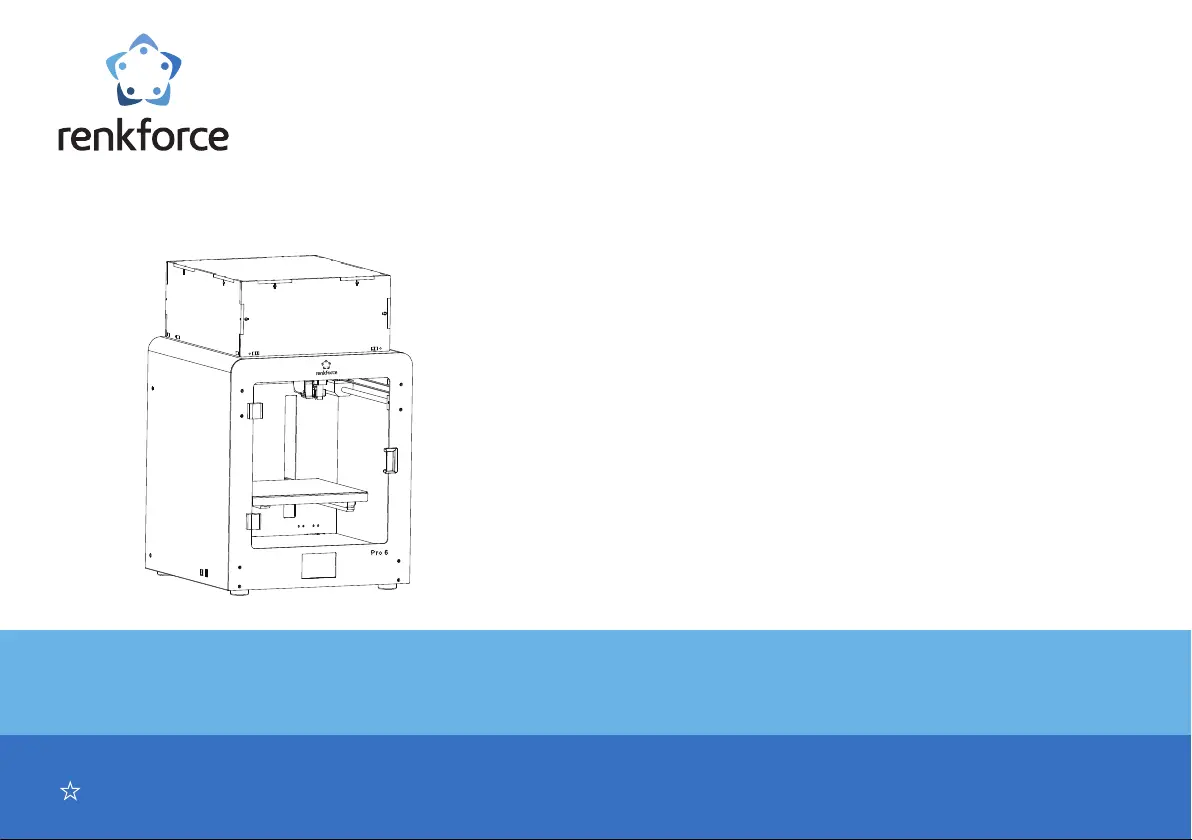
User Manual
Please read the User Manual before using this product.
3D Printer Pro 6
Easy solution of 3D model creation
Item No. 2356116
Professional, Intelligent, Multi-function
Pro 6
Catalog
a. Accessories list ........................................................................................................................................................................................................................................................................4
1.1 Accessories list ......................................................................................................................................................................................................................................................................... 4
b. Product introduction ................................................................................................................................................................................................................................................................ 5
2.1 Appearance introduction ...........................................................................................................................................................................................................................................................5
2.2 Introduction of extruder .............................................................................................................................................................................................................................................................6
2.3 Introduction of Build Platform ...................................................................................................................................................................................................................................................6
2.4 Technology Specication .......................................................................................................................................................................................................................................................... 7
c. Preparation before printing .....................................................................................................................................................................................................................................................8
3.1 Menu preview ...........................................................................................................................................................................................................................................................................8
3.2 The calibration of build platform .............................................................................................................................................................................................................................................16
3.2.2 Z-offset Calibration ..............................................................................................................................................................................................................................................................18
3.3 Consumable loading/unloading ..............................................................................................................................................................................................................................................23
3.3.1 Installation of the spool holder and the lament tube. .........................................................................................................................................................................................................23
3.3.2 Consumable loading of the extruder ....................................................................................................................................................................................................................................24
3.3.3 Consumable unloading of the extruder ................................................................................................................................................................................................................................25
3.4 Generation of printing les ......................................................................................................................................................................................................................................................26
3.4.1 a) Setup of the Software-Windows
®
.................................................................................................................................................................................................................................... 26
3.4.2 Start software- Windows
®
& Mac ......................................................................................................................................................................................................................................... 28
3.4.3 Software setting- Windows
®
& Mac .....................................................................................................................................................................................................................................29
3.4.4 Load conguration le - Windows
®
.....................................................................................................................................................................................................................................31
3.5 Print from “renkforce 3D setup” .............................................................................................................................................................................................................................................32
d. Print 3D model ........................................................................................................................................................................................................................................................................ 33
4.1 Printing ...................................................................................................................................................................................................................................................................................33
4.2 Removal of the nished prints ................................................................................................................................................................................................................................................34
Troubleshooting .........................................................................................................................................................................................................................................................................39
Disposal .......................................................................................................................................................................................................................................................................................41
Caution illustration .....................................................................................................................................................................................................................................................................42

Produkspesifikasjoner

Merke: Renkforce
Kategori: 3D-skriver
Modell: Pro 6+

Trenger du hjelp?

Hvis du trenger hjelp med Renkforce Pro 6+ still et spørsmål nedenfor, og andre brukere vil svare deg