Eizo Screen InStyle Server Bruksanvisning
Eizo
Ikke kategorisert
Screen InStyle Server
Les nedenfor 📖 manual på norsk for Eizo Screen InStyle Server (4 sider) i kategorien Ikke kategorisert. Denne guiden var nyttig for 14 personer og ble vurdert med 4.4 stjerner i gjennomsnitt av 7.5 brukere
Side 1/4
1
Screen InStyle Server
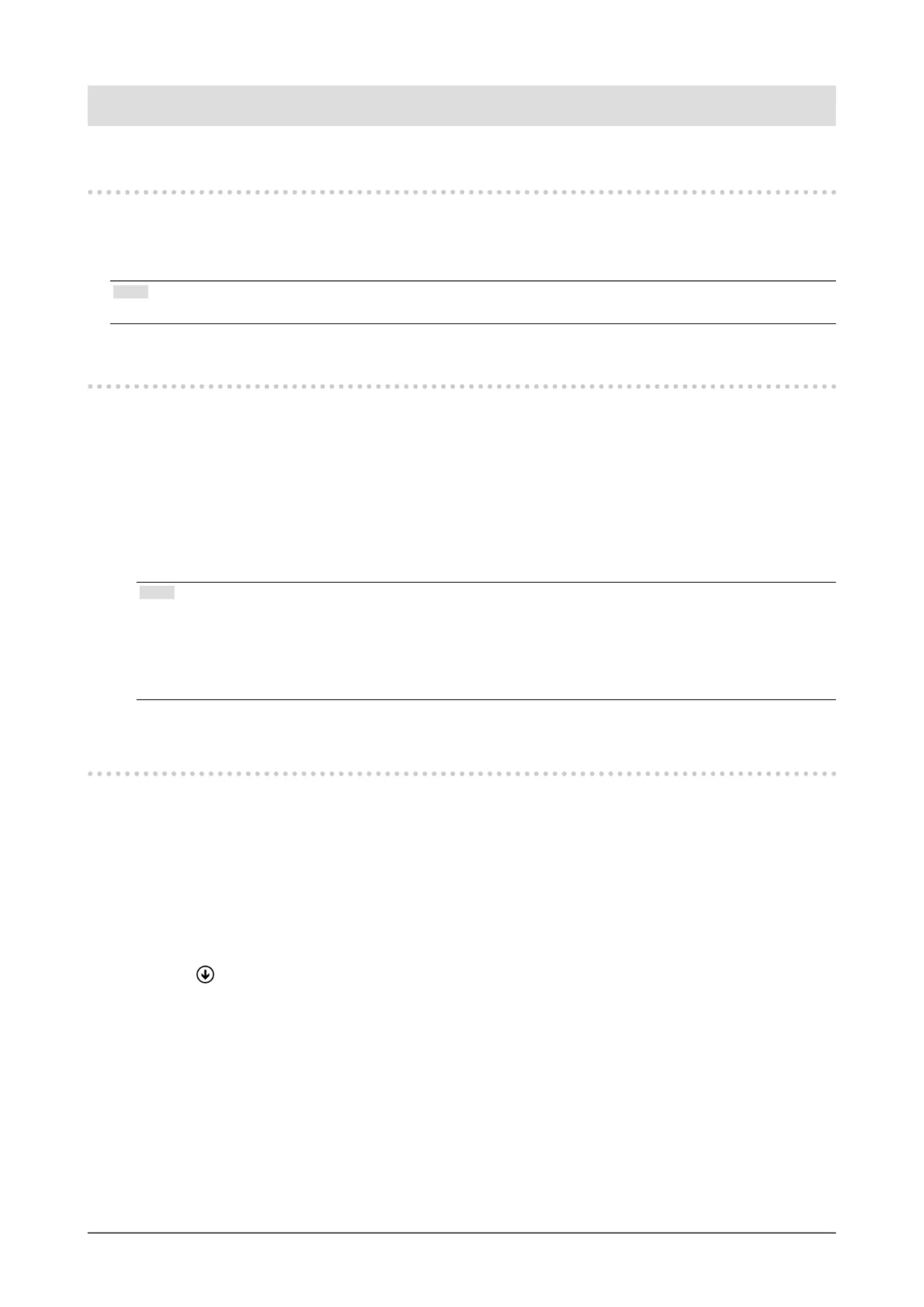
Installation procedure
Double-click "SISServerxxxx_Setup.exe" (Example: SISServer1110_Setup.exe), and follow the on-screen
instructions to install the software.
When the installation is complete, the Screen InStyle server icon appears on the desktop.
Note
•Initial installation may take approximately 30 minutes.
Procedure to connect a client to the server
1. Open the "Client Settings" screen of the Screen InStyle server.
2. Copy the server address (http://*********/ScreenInStyle/) or click "Download Connection File" to
download the connection le.
3. Open the "Sever Settings" screen of the Screen InStyle client.
4. Enter the server address in the "Server Address" box or click "Read Connection File" to specify
the connection le.
5. Click "OK".
Note
•Specify the following argument if you want to install the client in silent mode. This sets the server address for
each client, and establishes a connection to the server.
SISServerxxxx_Setup.exe /SP- /VERYSILENT /SUPPRESSMSGBOXES /Server="(server address)"
("xxxx" in "SISServerxxxx_Setup.exe" diers depending on the version.)
Reboot the computer after the silent installation is complete.
Uninstallation procedure
●
Windows 11 / 10
1. Select "Start", "Settings", "Apps", then click "Apps & features".
2. Select "Screen InStyle Server" from the list, then click "Uninstall".
Follow the on-screen instructions to uninstall the software.
●
Windows 8.1
1. Click at the bottom of the "Start" screen.
The " "Apps screen appears.
2. Select "Windows System", "Control Panel", "Programs", then click "Uninstall a program".
3. Select "Screen InStyle Server" from the list, then click "Uninstall".
Follow the on-screen instructions to uninstall the software.
Produkspesifikasjoner
| Merke: | Eizo |
| Kategori: | Ikke kategorisert |
| Modell: | Screen InStyle Server |
Trenger du hjelp?
Hvis du trenger hjelp med Eizo Screen InStyle Server still et spørsmål nedenfor, og andre brukere vil svare deg
Ikke kategorisert Eizo Manualer
28 August 2025
28 August 2025
28 August 2025
Ikke kategorisert Manualer
- Miele
- Tangent
- Lectrosonics
- Native Instruments
- IOGEAR
- Warmup
- Grothe
- Clatronic
- Gossen Metrawatt
- Teltonika
- LAS
- Healthy Choice
- Algo
- Pro-User
- Eura
Nyeste Ikke kategorisert Manualer

23 Oktober 2025

23 Oktober 2025

23 Oktober 2025

23 Oktober 2025

23 Oktober 2025

23 Oktober 2025

23 Oktober 2025

23 Oktober 2025

23 Oktober 2025

23 Oktober 2025