Soundskins SSK-WAVYPLUS Bruksanvisning
Soundskins
Ikke kategorisert
SSK-WAVYPLUS
Les nedenfor 📖 manual på norsk for Soundskins SSK-WAVYPLUS (1 sider) i kategorien Ikke kategorisert. Denne guiden var nyttig for 27 personer og ble vurdert med 4.8 stjerner i gjennomsnitt av 14 brukere
Side 1/1
Foam Tape
installation
instructions
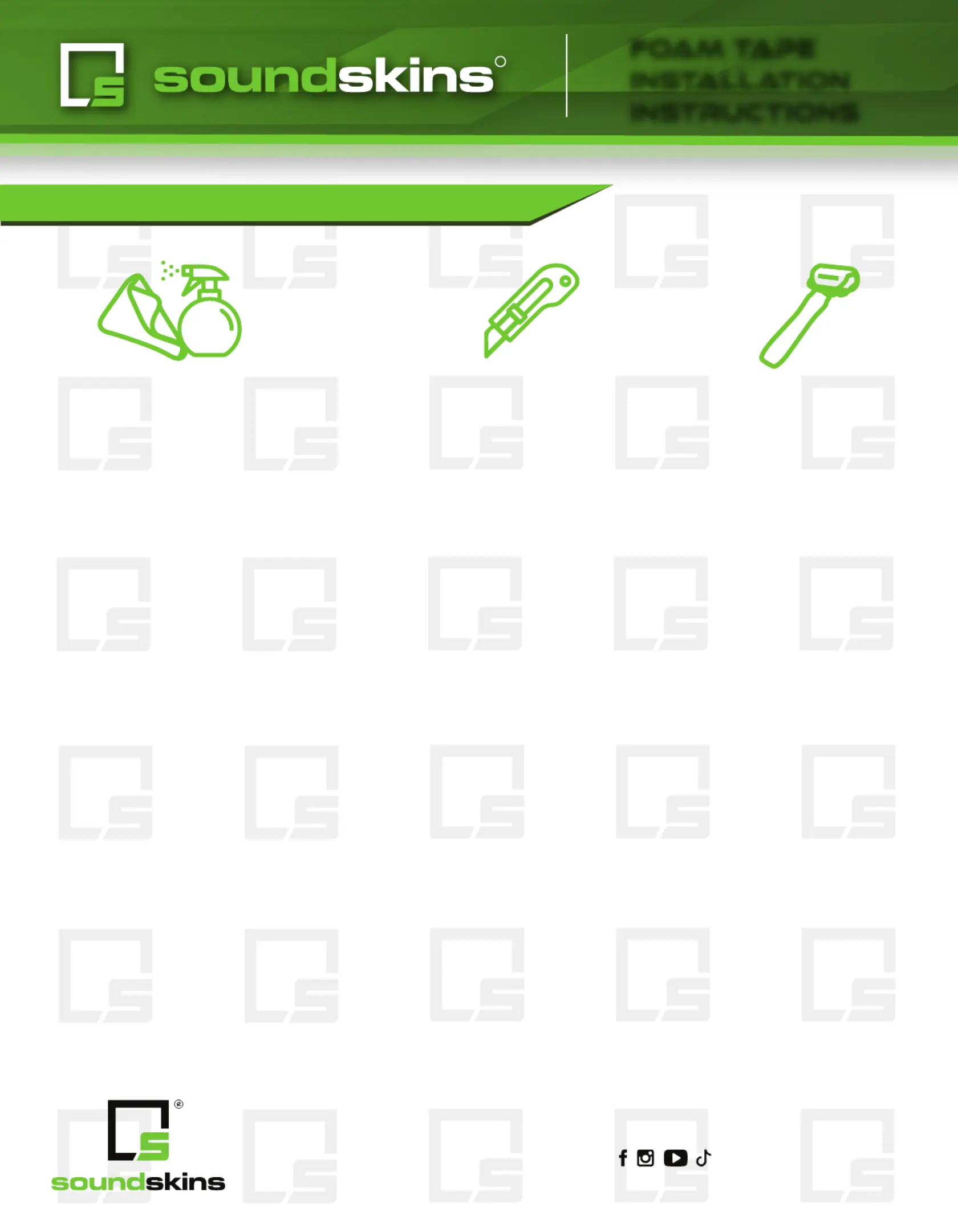
Alcohol based cleaner
& microfiber towel
Sharp blade or
scissors
Roller
R
Prepping the Surface
Start by getting all metal surfaces clean from dust, oil, wax and moisture.
We recommend using a microfiber cloth and an alcohol based cleaning
solution such as denatured alcohol or Invisible Glass. If you have rust, it may
require a bit more attention to ensure the material will stick well. Once all the
surfaces have been prepped and air dried, you can start applying the
material.
Installation
Remove a small section of the backing paper from the foam tape and tack
it into place of the area you would like to cover.
Then, cut the strip to your required size and remove the remainder of the
backing paper.
Last, press or wrap the adhesive side of the foam tape firmly into place, and
repeat this process as needed.
If you have any questions, don’t hesitate to contact us using the information
provided below.
SoundSkins Global USA
(877)211-5597
usa@SoundSkinsGlobal.com
www.SoundSkinsGlobal.com
®2024 SoundSkins Global, All Rights Reserved
@soundskinsglobal
All required tools
Produkspesifikasjoner
| Merke: | Soundskins |
| Kategori: | Ikke kategorisert |
| Modell: | SSK-WAVYPLUS |
Trenger du hjelp?
Hvis du trenger hjelp med Soundskins SSK-WAVYPLUS still et spørsmål nedenfor, og andre brukere vil svare deg
Ikke kategorisert Soundskins Manualer

12 Mars 2025

12 Mars 2025

24 Januar 2025

24 Januar 2025

24 Januar 2025

24 Januar 2025

24 Januar 2025

24 Januar 2025

24 Januar 2025

24 Januar 2025
Ikke kategorisert Manualer
- Forodi
- Rommer
- HTW
- Dracast
- Oase
- EPEVER
- OLLO
- Megableu
- Burris
- Greisinger
- Lezyne
- Manfrotto
- OptiTrack
- IMM Photonics
- Dahua Technology
Nyeste Ikke kategorisert Manualer

23 Oktober 2025

23 Oktober 2025

23 Oktober 2025

23 Oktober 2025

23 Oktober 2025

23 Oktober 2025

23 Oktober 2025

23 Oktober 2025

23 Oktober 2025

23 Oktober 2025